
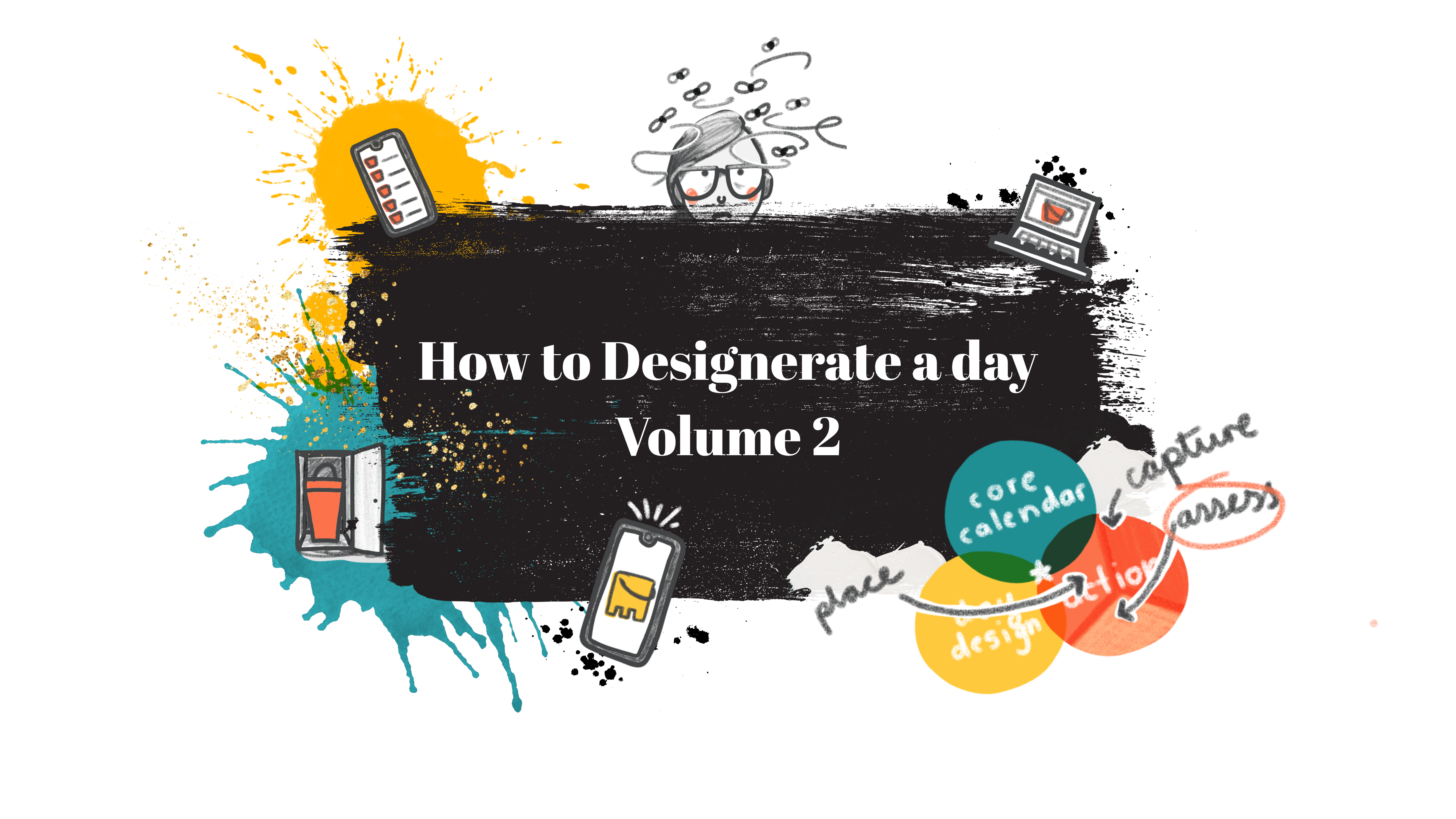
Assessing everything that has landed on your plate and distilling it, so you’re just left with the things you need to do.
‘We do not write in order to be understood; we write in order to understand.’
Cecil Day-Lewis
My Quest
For a long time I didn’t take responsibility for my life and what I had to do. I could barely find my bum with both hands and I just let myself get overwhelmed by it all, on the regs. I have a couple of exciting neurospicy diagnoses that I could blame it on, so rather than dig myself out of the hole, I just pulled in some throw pillows and snacks, and settled in.
Over the past few years I have been working really hard on climbing the throw pillows out and finding life solutions that work for me, so that I can maximise my time for creativity and joy without hiding from life.
I hope that by sharing these with you that there might be some inspirational takeaways you can experiment with. So you not only keep your head above water, but keep your shoes dry and everything!
The Catch Up Session

In volume 1 we started looking at my ‘three processes to rule them all’. We looked more closely at the first, ‘My Action Process’. The gist of which is to convert stuff that pops into my head/life into specific, manageable actions, and then planning when I’ll get them done. It breaks down into three chunks for easy digestion. The first being gathering all the things you need to do into buckets (which are just inboxes that are more fun to draw), I call this ‘Considered Capturing’. If you want to start from the beginning, head on over to Volume 1.
Here I’m going to stride in and start waffling you through the second stage, ‘Assessing’. If you would prefer a shortened, easy-read summary, head right to the end.
Assessing the Damage

Assessing is a fabulous habit, because just like Considered Capturing, you don’t ‘do’ any major tasks (winning!). Also, you can do most of it from the comfort of your desk chair (or sofa, for the double win).
I only do it twice a day, but I do (please don’t run away) go through every single thing I have captured in my ‘inboxes’, in order. I decide on an action for each email, text, photo, random bit of paperwork, thought, or reminder in turn. The order’s not set in stone though, so do what works for you. I would just suggest starting with the buckets that are most likely to have metaphorical fires in. It will relieve your mental burden of the unknown quicker, and put your mind at ease.
- Email inboxes
- Whatsapp/messaging inbox
- Social media inboxes
- Physical inbox
- Camera Gallery
- Todoist Inbox / Action List / To-do list
The eagle eyed among you noticed that I capture in my Calendar and F**k-It Bucket (Volume 1), but don’t include them here. That’s because I was sneaky. If you put something straight in the calendar, you technically ‘placed it’ … no assessing needed. The F**k-It Bucket has also completed its most important job. Helping you let go of the stuff you can’t control, so its contents have been quietly incinerated by your subconscious. Just make sure you didn’t accidentally drop them into the Muddy Puddle of Rumination. It’s stagnant there.
The Not-So-Famous 5

Starting at the top of my inbox/list of buckets I tame my to-do beasts by doing one of the following 5 things, straight away:
- Delete it / throw it out
- File it
- Do it
- Schedule it
- Make it an action
These glorious steps evaporate off the dross and bi-products in my buckets. Leaving me with a clear distillation of the most pure elixir (Actions) that can then be bottled (Placed). By the end of it, everything cluttering up my life is now in the real or electronic trash, sorted away into a filing test tube out of sight, evaporated off into done-ness, in my calendar, or ready to be Placed.
Emptying the Buckets
Automated inboxes

Everyone’s life is unique, but most of us have to ‘deal with’ (read ‘dread’) an accumulation of emails and messages. Do you wish you could get control of them, but the little buggers do insist on continuing to collect like flies around a pic-nic? No sooner have you wafted them away, they zoom right back in, ooph. You can do it though. You just need a system that works for you to take the pressure off. I hope showing you mine will help.
Start by turning off or customizing your notifications. I know, horrendous, you can do it. Mute group chats, and choose only the most important people that can get in contact at any time. I have a list of around 6. I am not a surgeon, I do not need to be on call in everyone’s life, 24-7.
In email, engage with each message from the top down (most recent first). This avoids seeing a metaphorical fire being lit (cue panic), to find out it’s been snuffed out by a guardian angel three missives later. In messaging apps, do the opposite (oldest to newest). We all have that friend who fires off 10 messages in quick succession. Don’t be the one who replies to the latest about your pal running 15 mins late with a ‘No problem mate’. Having not read the one about picking up wine on your way over (which the additional 15 minutes has now gifted you the ability to do). Turning up with no wine, after Jeremy was held up in the office cleaning bird poop off his new loafers, is poor form.
So, open that memo, read the whole thing, and resolve to do one of the below before moving on to the next.
Delete it is self explanatory. Oh the joy it brings. Poof, one less email.
File it brings almost as much satisfaction as ‘delete it’, because nothing brings me more joy than realising I don’t have to do anything. These are useful emails that are for reference only and require no action from you at any point.
Do it, but only if it will take you less than 1 minute. This is for ‘quick question’ requests, if you know the answer or can find it really quickly.
Schedule it when you’re sent a meeting request or you see a band is coming to town in three months, pop it in your calendar. Just make sure to note anything you need to do related to it on your Action/To Do list.
Make it an action is the meat of it. This is for the electronic notes that have brought ‘doing’ to your door, the rotters. You are going to capture the next physical step you need to take for each of these on your Action/To Do List or in your Calendar if it’s urgent. I use the Inbox function of my task management system (I recommend Todoist) and Google Calendar. If you prefer to use paper, give it a go. Then, if it’s an email, file it, or pop it in an ‘Action’ folder for later.
Top Tip: If you’re worried people will think you’re slacking if you don’t respond to every email in 5 minutes, then update your email signature to make it clear that you will respond to all urgent queries by the end of the day (this only works if you actually do that, so use with caution). It also has the added bonus of making it passively aggressively clear that although she clicked on the red exclamation point, confirming your donation for the bake sale next month is not, in fact, urgent, Gloria.
When you have done one of the above for every email/message your first bucket will be empty. Et voila!
“WHHAAAAAT??? But you didn’t do anything!? Your emails aren’t sorted!? You still have so much to do!? What about all those ‘actions’!?” I hear you declare. Ah, and thereby hangs the problem with emails. I’m sorry to say, they are never done with you, but you can be done with them. You can spend hours staring at them and ‘completing’ them, but I’m going to guess your main job description or goal in life is not answering emails within 5 minutes of receipt. Sorting and prioritising the problems they present, is (amongst all of the other things you need to get done in a day). Your email inbox is not a To-Do List. But by doing the above you will have emptied your inbox and know the actions needed to be taken are now on your radar. I am done with email until I choose to check back in again. I am free from them as I write this. The mental load is lifted. I will show you how to sort through the actions you’ve created, and place them where they belong, I promise. But that is another story. My greatest eureka moment was realizing I don’t have to reply right now if I don’t want/need to (or if a message has got my hackles up). I can just add ‘reply to Gloria’s bake sale email when I’ve calmed down’ to my action list and move the heck on. Or ghost ‘um I guess, if that’s your style, but that feels incomplete to me.
Time required: 5 – 25 minutes
Physical Inbox

This is a top down affair and you pick up the first thing on the pile and decide which of the not-so-famous 5 things you are going to do with it. For certain items like letters I need for reference, I take a pic then throw it away. I’m about to sort through my camera roll at the next step anyhoo. Clever, hey?
Rule 1: make a decision on everything until it’s empty, or until the time you have allocated to this part of your process is up (if your inbox looks like you’re mid-way through a game of Jenga, then pick away at it over a few days).
Rule 2: Do not put it back when you’ve taken it out. I know the final notice you just pulled out is not as exciting as the invite to Pamela’s 40th bash (she throws great parties, always a free bar). But, if you start putting things back, the dull–but probably more pressing–bill will remain in that inbox until your electricity is cut off.
My physical inbox is my organising nemesis. It’s in my house, by my desk. If I’m working remotely or doing freelance this is no bother… if I’m in the studio, well, I just have to put it in the f**k it bucket and skip this part of the process. Nobody is perfect.
Time required: 0 – 5 minutes
Your Camera Gallery

For this section of the process you only need to focus on to-do list images and screenshots in your gallery that you may have captured through your day. It’s not for editing your holiday snaps (although I do tend to delete any photos I’ve taken of my pocket). I look at the images, decide which of the not-so-famous 5 things I need to do (usually, make it an action, then delete it) and move on to my last bucket.
Time required: 1 – 5 minutes.
Action List

The big boy, the moment you’ve been waiting for! The mother of all the inboxes. The place where all of those To-Dos/Actions are being kept like coiled springs? Well hold that thought. Sorry. Processing this inbox is part of the Placing stage which I’ll cover in Volume 3. Because one does not simply empty their Action Bucket… they place it.
Time Required: 5 – 10 minutes
Why do you call it an Action and not a Task?

I completely understand that calling it an Action List rather than a Task List sounds like organising fluff. But making a task into an action makes it clearer in my mind. If there’s something on my lists that I’m putting off, 8 times out of 10 it’s because I didn’t break it down to make a specific, easy, doable action. The other 2 times out of 10 is because it’s a project.
Actions are single doable things (that are outside of the daily routine). A Project for me is anything that is going to take more than one or two actions to complete.

‘Decorate bedroom’ is not an action, you can’t do it, do you even know where the paint brushes are? The action is ‘set up bedroom decorating project’. Once you’ve done that, the first action on your list will probably be the much more manageable, ‘Find paint brushes and check if usable’, the next will be, ‘Make an equipment shopping list’ (the brushes were a bust). You will decorate the bedroom. One action at a time. Plus, Task sounds like Chore, and I can’t stand those.
How does this save time again?

This only saves time if you schedule in a time (or times) to intentionally do it every day. Boredom induced, unnecessarily inbox checking for anything new and exciting throughout the day, is a waste. It takes an average of 23 minutes and 15 seconds to refocus after a distraction, according to a study by the University of California, Irvine. Now obvs, a sneeze in the office is going to distract you less than a fire alarm going off, but the science is there people. If you get 20 – 120 (the average) emails a day pinging you as you work, how much time do you think you are spending refocusing? Worth a think.
Writing everything down (Volume 1) will help you know you’ve got all of those incomplete tasks accounted for, but it can still nag at you. Do you get that? Writing a list makes you feel better in the moment, but then you know you have to deal with the list at some point and choose what to do (or avoid). It pulls at the back of your mind like a needy child tugging at your sleeve when they see an ice cream van. There’s science here too, and it’s called the Zeigarnik effect. It’s the psychological phenomenon of remembering unfinished tasks more easily than completed ones. So, until you complete a task a little bit of residue will hang around and pull at your subconscious.
The Zeigarnik effect is great if you step away from a design problem. You come back with ‘fresh eyes’ and have a solution. This is because your subconscious is working away on it while you’re making a cup of coffee. The downside is, if you have the vague feeling you haven’t done something, it’ll leave you frazzled, guilty, and distracted, but you won’t be 100% sure why.
Assessing your inboxes means you have seen everything and decided what the actual tasks are. Placing them all in your system then closes the loop so you can release them from your subconscious. This is where you save time, by clearing your mind.
I know this is a lot to take in. It takes practice. You can do it though. Once upon a time you couldn’t tie your shoes without saying the steps out loud, now look at you!?
Come back for Volume 3 where I take you through the final piece of the Action Process jigsaw, the ‘Placing’ stage of the process. Hold on to your hats until then!
Summary
- Capture all your thoughts and tasks in inboxes
- Put all of your electronic and physical inboxes in priority order.
- Your most important inbox gets checked first
- Your To Do List must be last
- Decide how many times a day you are going to check them all.
- Schedule your checking time into your calendar (if that helps).
- Assess what your ‘things to do’ are by going through each item in your inboxes, one at a time.
- For each item either delete, throw, file, do (quick actions), schedule, or make an action from it (add it to your To Do / Action List).
Free Stuff Time!
Oh how I love a bit of free stuff! If you’re starting out on your organizing journey, and you’re a pen and paper fan, I have a simple, beautiful To Do List and Blank Calendar Page for you to capture to. There’s two options. Option One, join the Free Designerating Membership, where in exchange for your email address you’ll have access to my Members’ Area (and download the printable files for free). Option Two, head to my Etsy page and support my work by buying the printable files. Click below on the option you like best.

To Do List + Calendar for FREE

To Do List + Calendar on ETSY

About The Author
I’m Libby, a graphic designer, artist, illustrator and organising junkie here to help your creative projects be the best they can be. I’m based in Oxfordshire, UK but all my services are available remotely. If you’re looking for someone to help make your unique project shine, or you want a bit of inspiration, advice, or insight, to get your own creative juices flowing… stay a while with me. You can sign up to my monthly newsletter below for updates, offers and insights. I can’t wait for us to get to know eachother!
0 comments on “Master Your Inbox: The Art of Assessing Tasks – Volume 2”